

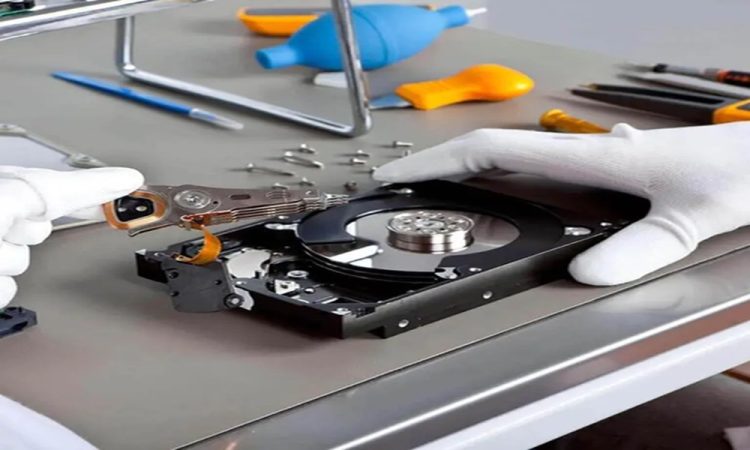
External hard drives are commonly used storage devices where you secure your office files, photos, and videos. These portable and convenient drives hold a large amount of data. However, like other storage units, external drives have a risk of damage. An accidental deletion or sudden drop makes your files inaccessible. The best fact is that data loss does not mean permanent loss. You need to implement the right recovery method for your external hard drives.
Why do external hard drives fail to work at times?
External drives need to be transported or unplugged constantly for different purposes. The most common causes of their failure are file system corruption, accidental removal, virus attacks, bad sectors, and power surges. When the issue is minor, data recovery from external hard drive will be a simple process. But, in complex cases, the drive will be unreadable.
The most significant digital rescue–
In case of failures of the external hard drive, your primary actions matter the most. Many users panic and make mistakes that prevent them from recovering data from the drive.
For instance, they try to reconnect the damaged drive repeatedly or format the drive. Some users also copy new files onto the affected drive. It reduces the chance of recovering files from the hard drive.
The safest trick is to avoid using the external drive. You have to disconnect it carefully if you are currently using the drive. Start the recovery process without delay. The less activity on the affected drive means a higher chance of recovery.
How does the external hard drive recovery process work?
Most recovery tools like PandaOffice Dreco are designed to look for damaged, deleted, and hidden data structures. First, they detect the drive from where you want to retrieve files. If the system fails to recognize the drive, the main issue is related to
You can now use the best software to recover your data from external hard drives. User-friendly applications allow you to get your files back within the shortest period.